
Topic-Based Editing vs Chat-Based Editing: Structured Selection vs. Text Prompts
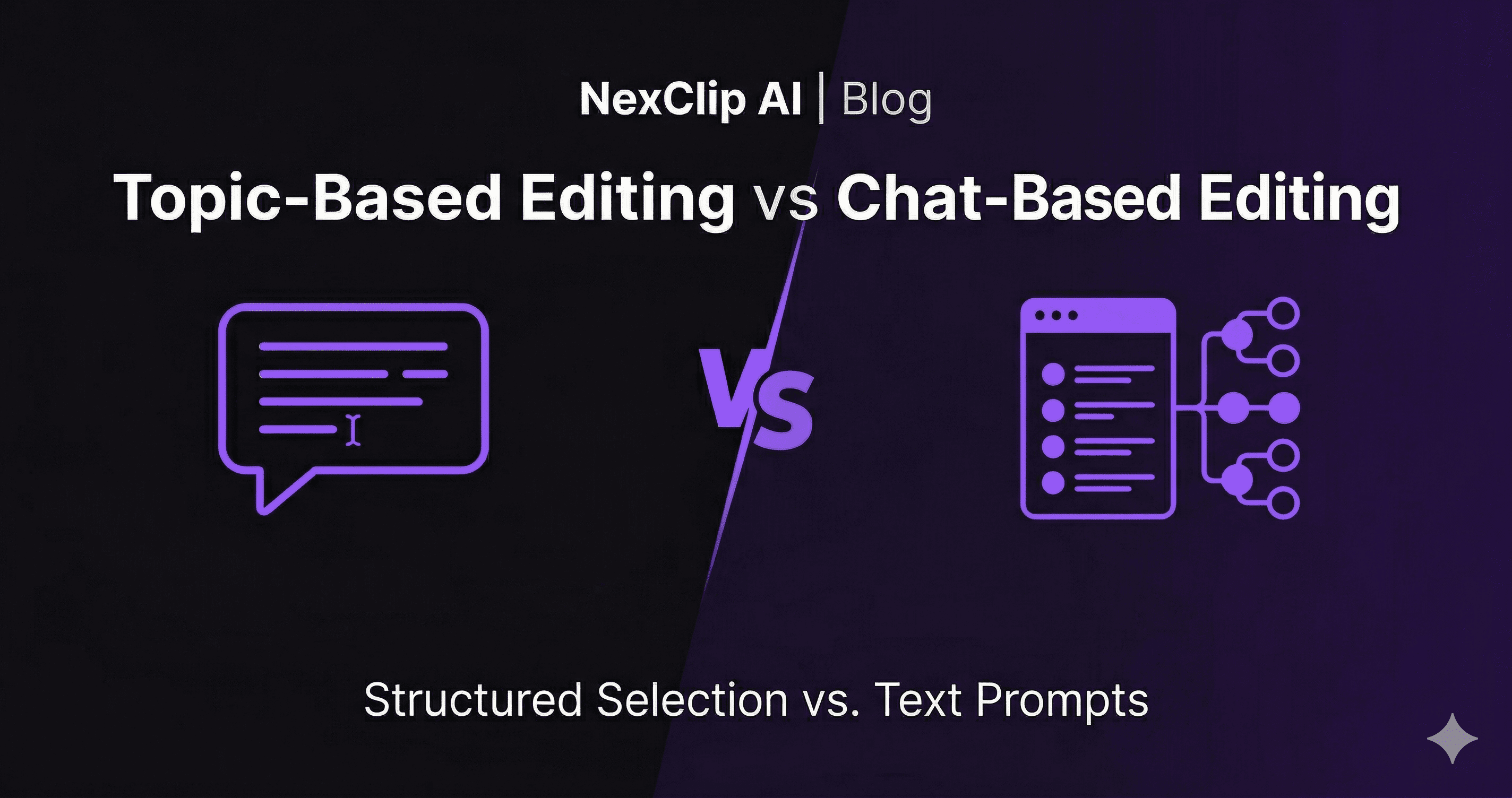
Chat-based editing tools let you type instructions to an AI. Topic-Based Editing gives you a complete map of every topic in your video and lets you choose. Both use AI, but they represent different mental models for video editing.
TL;DR
Chat-based editing (Riverside Co-creator, Cutback) lets you type prompts like "Make a 60-second highlight reel." Topic-Based Editing (NexClip AI) extracts every topic from your video and lets you select which ones to keep. One is prompt-driven and ad-hoc. The other is structure-driven and repeatable. If you need quick, one-off edits, chat-based tools are convenient. If you need to systematically extract specific topics from long-form content, Topic-Based Editing gives you the full picture.
How Chat-Based Editing Works
A new wave of video editing tools — led by Riverside's Co-creator and Cutback — lets you edit video by typing natural language instructions. Instead of dragging clips on a timeline, you tell the AI what to do: "Trim the silence," "Cut out the first chapter," or "Make this a 30-second reel about marketing tips."
The AI interprets your prompt and executes the edit automatically. It's fast, intuitive, and works well for quick modifications — especially when you already know what you want. Think of it as talking to an assistant editor who listens and acts on your instructions.
The limitation? You need to know what to ask for. If you haven't watched a 90-minute podcast recording, you can't prompt "clip the part about tax deductions for freelancers" — because you don't know that topic was discussed at minute 47. Chat-based editing assumes you already understand your content.
How Topic-Based Editing Works
Topic-Based Editing takes the opposite approach. Instead of you telling the AI what to do, the AI first tells you what's in your video. It transcribes the entire recording, extracts every distinct topic discussed, and presents them as a structured topic map — each with a description, duration, and relevance score.
You then select the topics you care about, set a target duration, and the optimization engine assembles a clip from the most relevant sentences. The key difference: you don't need to know what's in the video beforehand. The system gives you the map first, then you make the decisions.
Side-by-Side Comparison
| Dimension | Chat-Based Editing | Topic-Based Editing |
|---|---|---|
| How you edit | Type text prompts | Select from topic map |
| Topic discovery | None — you must know what to ask | Automatic — AI shows all topics |
| Repeatability | Low — different prompts, different results | High — same topics, same clip |
| Context preservation | Variable — depends on prompt quality | High — sentence-level relevance mapping |
| Best for | Quick edits, social clips, known content | Education, podcasts, webinars, knowledge content |
| NLE export | Usually MP4 only | FCPXML + Premiere XML + MP4 |
| Video processing | Cloud upload required | Video stays local — only audio sent for transcription |
| Transparency | Opaque — AI interprets your prompt | Full visibility — relevance scores per sentence |
When to Use Which
Use Chat-Based Editing when:
- • You already know exactly what edit you want
- • You need quick, one-off modifications
- • Your content is short and you've already watched it
- • You want conversational interaction with the tool
Use Topic-Based Editing when:
- • You have long recordings and don't know all the topics yet
- • You need specific topics extracted accurately
- • Repeatability matters — same input, same output
- • You want to export to a professional NLE
- • Privacy matters — video stays on your Mac, only audio is sent for transcription
Prompts vs. Structure: Two Different Mental Models
Chat-based editing assumes you already understand your content. You're giving instructions to an assistant editor — "do this, cut that, keep this part." It's powerful when you have a clear vision and just need execution speed.
Topic-Based Editing assumes you need to understand your content first. It gives you a structured map of every topic discussed, then lets you make informed decisions. For a 10-minute video you just recorded, a chat prompt is fast and effective. For a 90-minute podcast with 12 topics, you need the map before you can make the right editorial calls.
As we wrote in our analysis of the Post-Sora era: the future of AI in video isn't about replacing human judgment — it's about amplifying it. Both chat-based and topic-based editing follow this principle, but they amplify different things. Chat amplifies speed. Topics amplify understanding.
Try Topic-Based Editing
Free for macOS. 45 credits to start. No credit card required.
Try Free for macOS
NexClip AI
Topic-Based Editing: Pick your topics. Get your clips.
Related Articles
Building a macOS Video Editor with Rust + UniFFI
Use CaseTopic-Based Editing for Educators
Use CaseTopic-Based Editing for Podcasters
Comparisonvs AI Auto-Clipping (OpusClip)
ComparisonTopic-Based vs Text-Based vs Timeline Editing
Comparisonvs Munch & Vizard
Comparisonvs Prompt-Based Editing
Comparison7 Best OpusClip Alternatives for Long-Form Video